Every arrival.
Every stay.
In good order.
TallyDue helps short-stay teams manage bookings, guests, listings, channels, inventory, operations tasks, calendar review, and reporting from one workspace.

Designed around daily handoffs
Bookings, guests, cleaning tasks, inventory notes, and listing details need to survive the shift change. TallyDue keeps that work visible.
Take a look around.
Explore bookings, guests, and unit readiness with live demo records. The full app opens in a new tab.
Inside TallyDue
Explore the TallyDue workspaces.
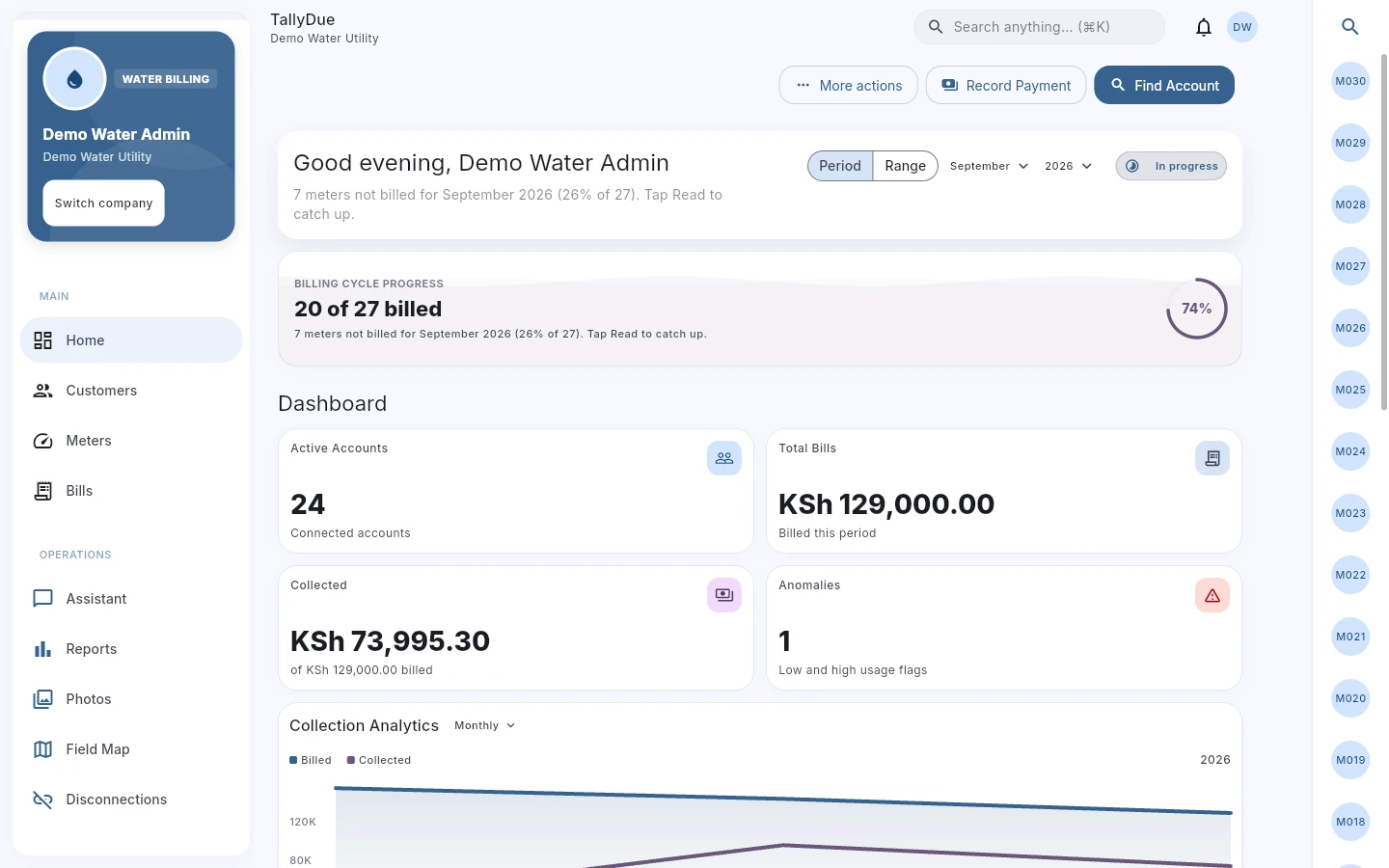
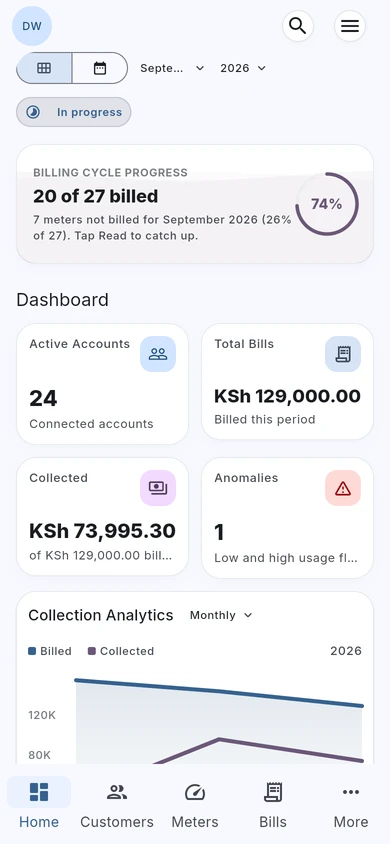
Water billing, with the full picture.
Review billing progress, amounts billed, collections, and consumption alerts from the water dashboard.
Actual TallyDue web app · Demo data
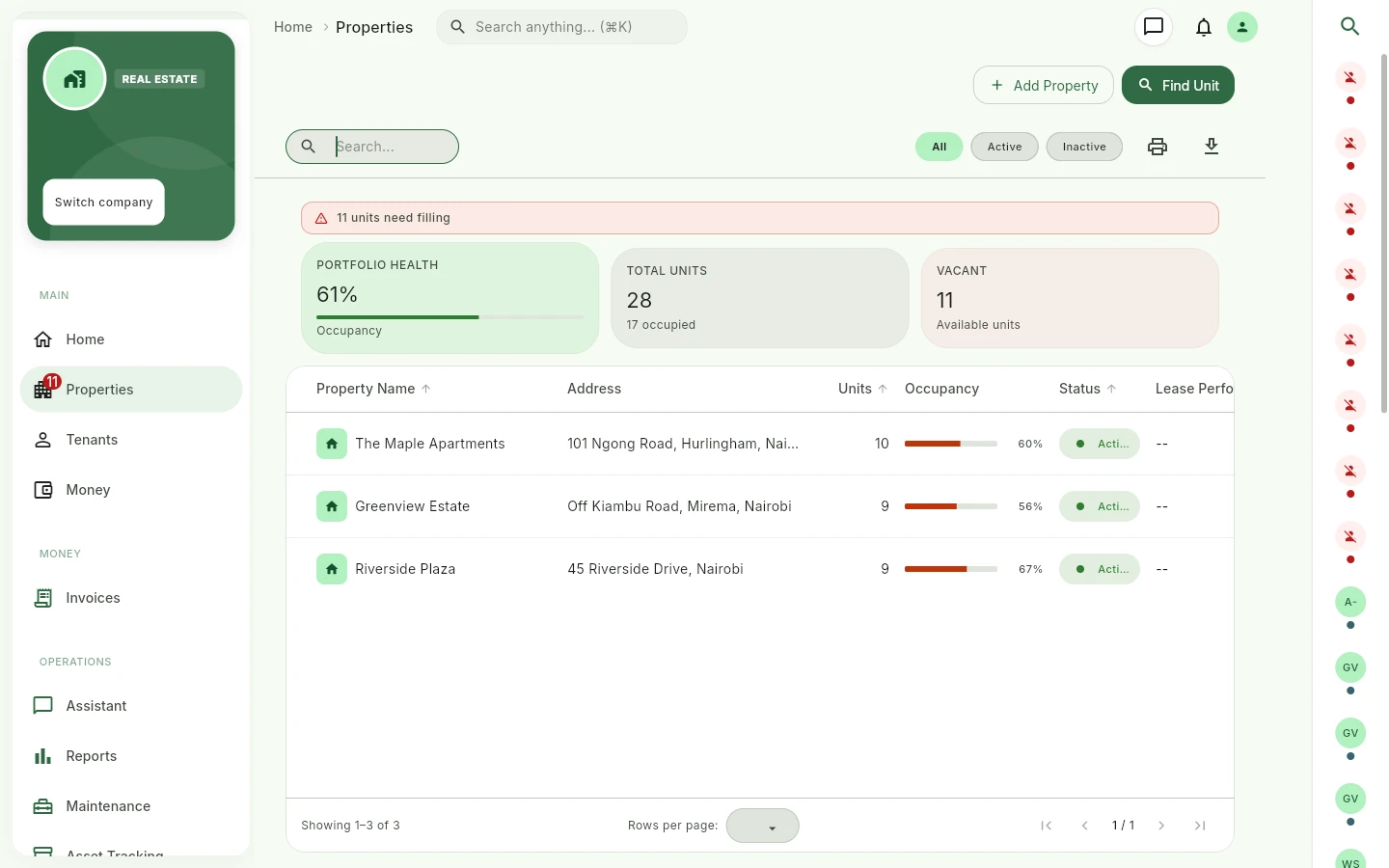
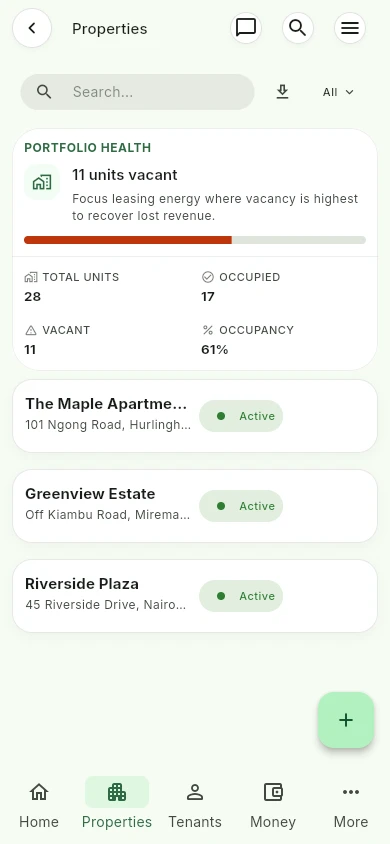
See every property in one view.
Review properties, occupied and vacant units, and portfolio occupancy before following up with your team.
Actual TallyDue web app · Demo data
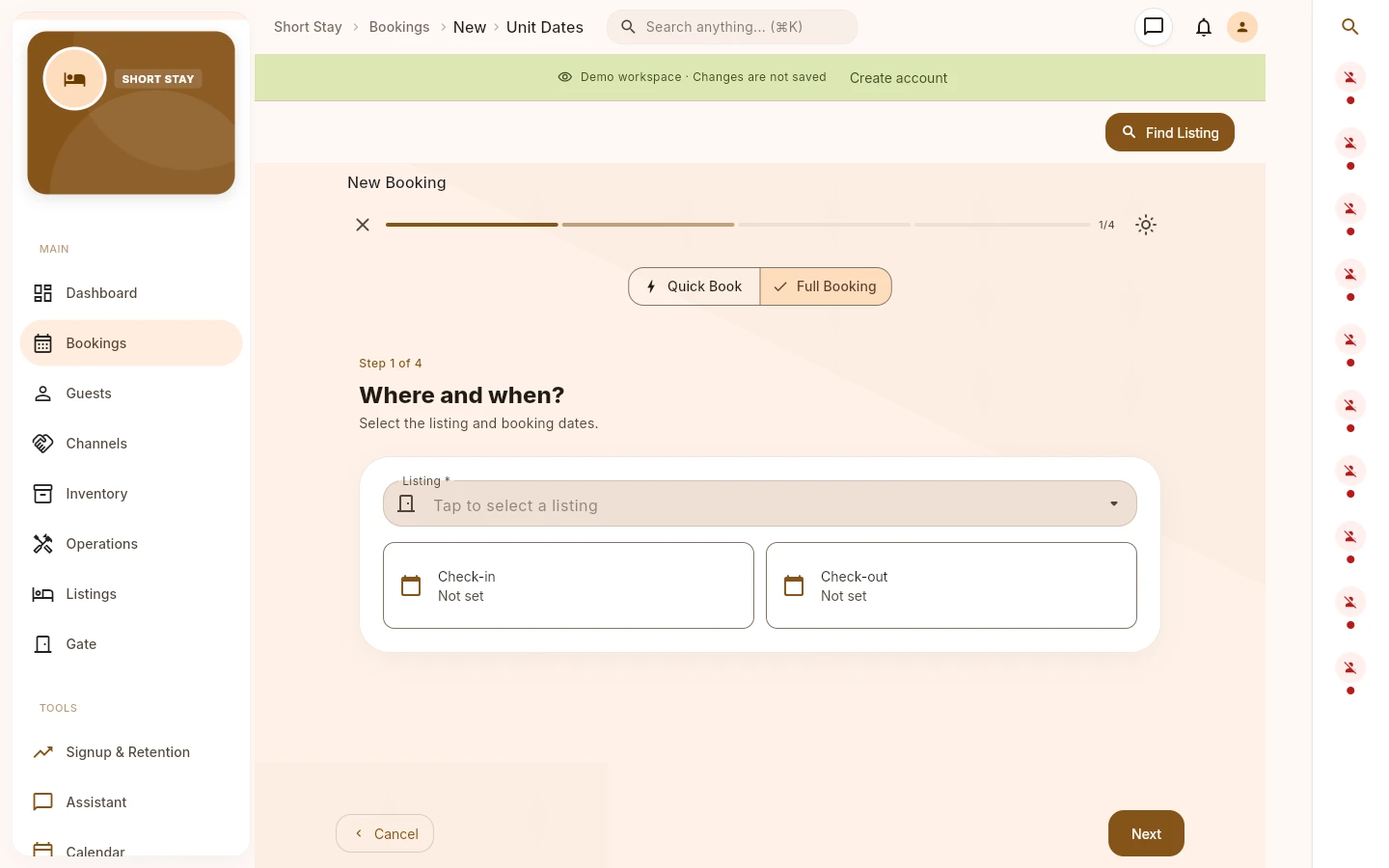
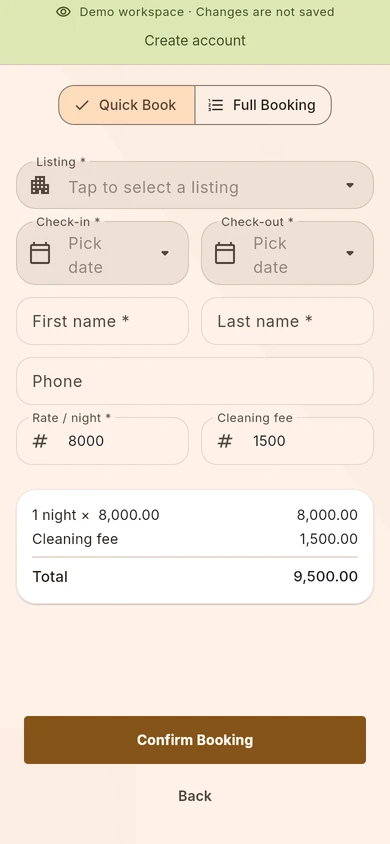
Give every booking a clear start.
Choose a listing and check-in and check-out dates in a guided booking flow, with quick and full booking options.
Actual TallyDue web app · Demo data
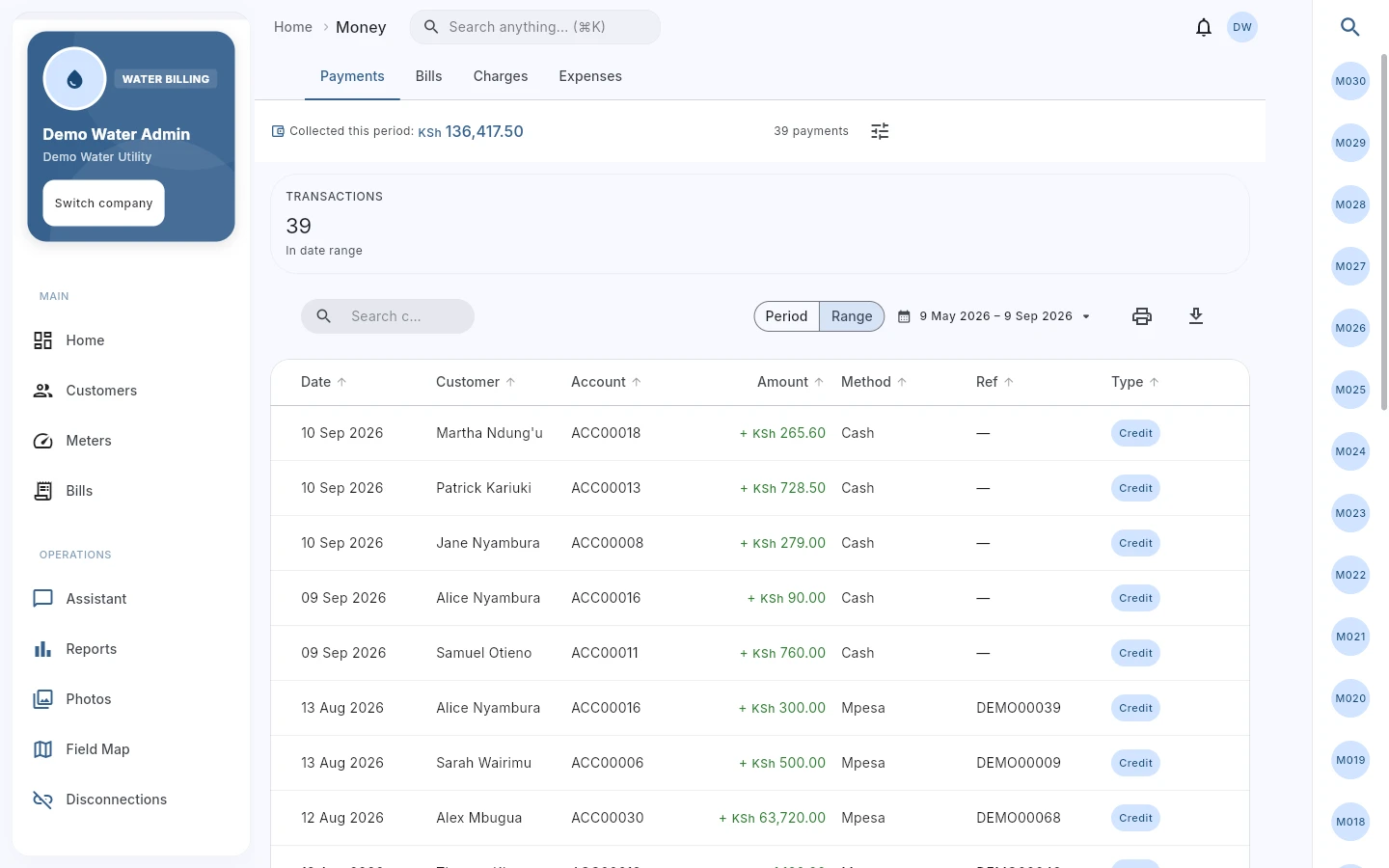
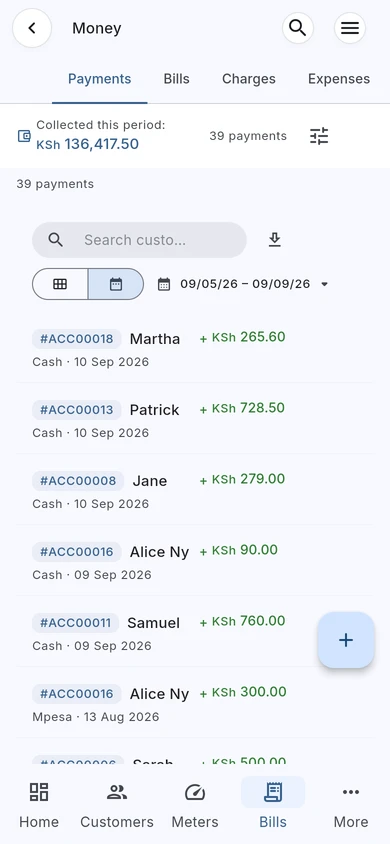
Follow the payment back to the account.
Review payment records and references in Money, with customer and billing context close at hand.
Actual TallyDue web app · Demo data

What it helps you manage
Short-stay teams do not only need a calendar. They need the operational record around each stay.
TallyDue provides a short-stay workspace for the records that affect each booking: guest details, listing setup, booking channels, inventory, operations tasks, calendar checks, inspection work, and reporting.
- Keep booking, guest, and listing context together.
- Track operational tasks such as cleaning, maintenance, inspection, and inventory work.
- Use channel names and booking numbers that match the company's process.
- Review calendar and availability context before confirming work.
Short-stay workflows covered
| Listings | Add rooms or listings, review listing details, and keep them available for booking workflows. |
|---|---|
| Bookings | Create and review bookings with guest, listing, date, pricing, and booking detail context. |
| Guests and channels | Manage guest records and channel names your team uses for booking sources. |
| Operations tasks | Create tasks for cleaning, maintenance, inspection, or inventory, with details, schedules, and checklists. |
| Inventory | Track supply items or transactions with item, quantity, unit cost, listing, transaction date, and notes. |
| Calendar and reports | Review bookings against availability and use reports to understand activity across the workspace. |

Who it fits
Short-stay operators use it to keep booking and operations records in one place.
Property teams use it when long-stay rent, short-stay bookings, and utility work need to live under one product.
Operations managers use it to check tasks, inventory notes, calendar records, and reporting instead of relying on chat history.
TallyDue for iOS, Android, and web
At your desk.
On your phone.
With your team.
Keep bookings, guest details, and day-to-day stay operations close at hand. TallyDue gives hosts and their teams iOS, Android, and web access.
iPhone & iPad


Scan for the App Store
Android


Scan for Google Play
Show download QR codes
iPhone & iPad
Android
Working from a computer? Open TallyDue on the web ↗
Related pages and guides
Questions short-stay teams ask
Is TallyDue only for rent and water billing?
No. TallyDue also includes a short-stay workspace for bookings, guests, listings, channels, inventory, operations, calendar work, and settings.
Does it assume a booking platform is connected?
No. Channel names and message settings are configured inside TallyDue. Do not assume an external booking platform is connected unless your company has confirmed that setup.
Can short-stay teams also manage property records?
Yes. TallyDue includes property workflows, so a company can manage units, tenants, leases, rent records, and short-stay operations in the same product.